What is a QR ordering system, and how is it different from a QR menu?
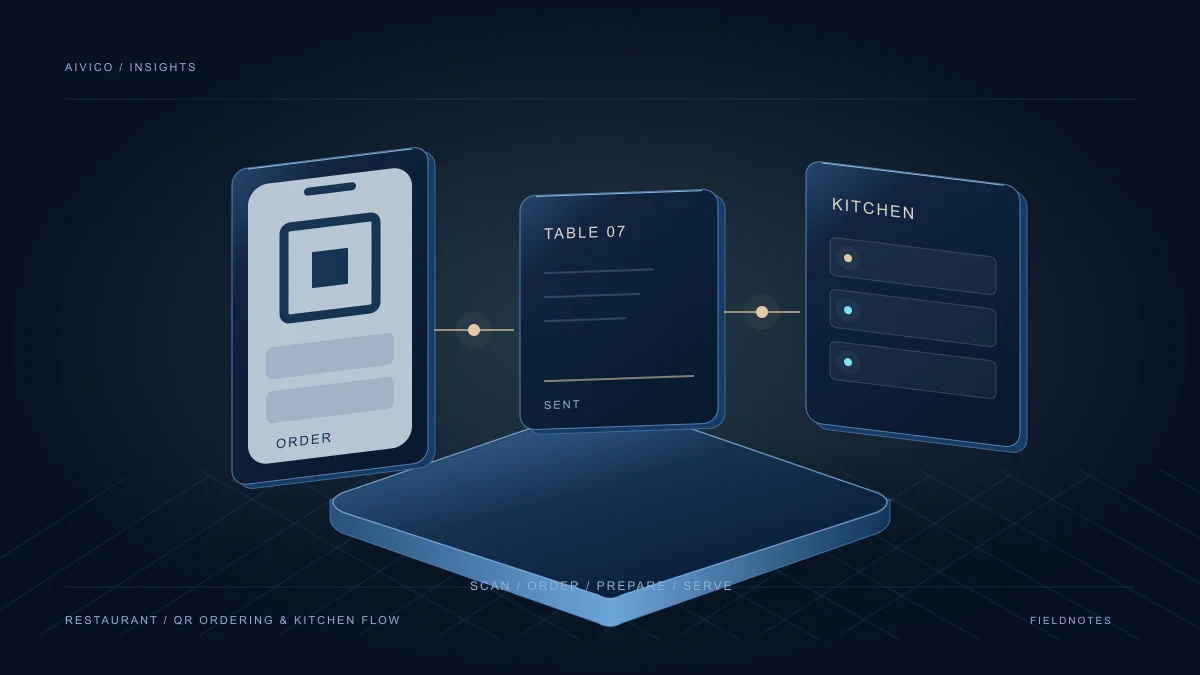
A QR ordering system is an ordering channel where the guest scans the code on the table, opens the menu, chooses items and sends the order without waiting for a server. The order lands on the kitchen screen or printer together with the table it came from. On the restaurant side it joins the same flow as an order taken by a server: it is prepared, served and added to the bill.
A QR menu is often just a digital copy of the menu. Guests see items and prices but still give their order to the server. Both start with the same QR code; the difference is whether there is an ordering and kitchen flow behind it.
| Capability | QR menu | QR ordering | QR ordering + online payment |
|---|---|---|---|
| View the menu | Yes | Yes | Yes |
| Send an order from the table | No | Yes | Yes |
| Order goes straight to the kitchen | No | Yes | Yes |
| Pay the bill from the phone | No | No | Yes |
| Role of the server | Takes the order | Service and hospitality | Service and hospitality |
From table to kitchen: the path an order takes
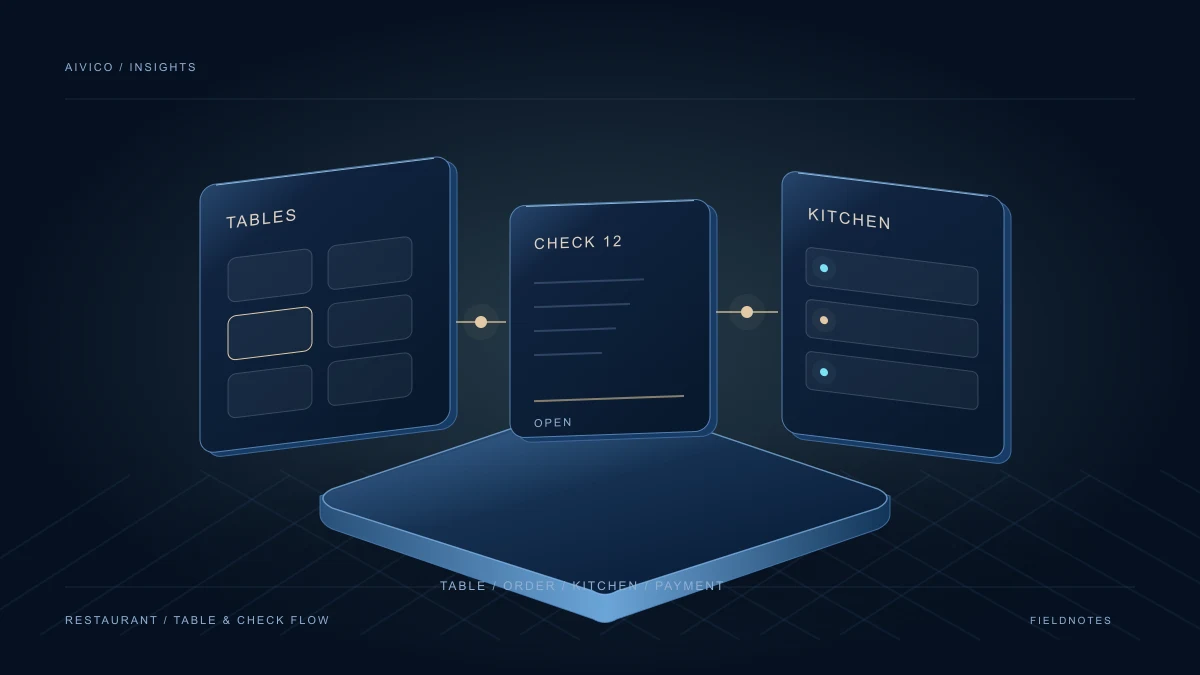
In a well-built QR ordering flow, every step the guest sees has a counterpart on the restaurant side. Problems usually appear not on the screen but where these steps are not connected: the order reaches the kitchen but not the till, or an item sells out but stays orderable on the menu.
- The guest scans the table code; the system identifies the table from the code, so nobody types a table number.
- The menu opens with what is currently available; sold-out items are hidden or shown as unavailable.
- The guest chooses options (portion, extras, notes) and sends the order.
- The order lands on the kitchen screen with its table; preparation order and time are tracked there.
- When the order is ready the service team is notified; optionally the guest receives a status update too.
- The order is added to the table's bill, which is closed at the till or, with online payment, from the guest's phone.
- Ingredients are deducted from inventory through recipes; at day end, sales, payments and stock are reported from the same records.
Which restaurants is it right for?
QR ordering does not do the same job everywhere. In cafés, quick-service venues and places with high table turnover, guests not having to wait for a server to order is felt immediately. During peak hours, orders reaching the kitchen in writing can also reduce misheard or forgotten orders.
Where table service is part of the experience, QR ordering does not replace the server; it works as a second channel for extra rounds, drinks or dessert. Here it matters that the system can combine server orders and QR orders on the same table bill. Some guests will not want to use a phone, so ordering through a server should always remain available.
Online payment: when do you need it, and how does it stay secure?
Online payment lets guests settle the bill from their phone without calling a server. It is most valuable in quick-service venues and at hours when waiting for the bill slows table turnover. In table-service restaurants, details such as splitting the bill, tips and reconciliation at the till should be agreed upfront.
On security the basic rule is simple: card details should not be processed or stored by the restaurant's system. Payment services are provided through banks and licensed payment institutions, and the infrastructure that handles card data is expected to comply with the card industry's PCI DSS security standard. When choosing a system, ask whose infrastructure handles the payment step and how refunds, cancellations and end-of-day reconciliation work.
Menu, kitchen and inventory must stay current together
When guests order for themselves, every menu error goes straight to the kitchen. A server used to catch it by saying “we are out of that”; QR ordering has no such buffer. So sold-out items must be closable quickly, price changes must reach every channel at once, and options (portions, extras) must match the recipes.
Linking orders to inventory through recipes takes the value of QR ordering beyond speed of service. You can see which item sells at which hours and which ingredients it consumes from the same records. We explain how that link works in our food cost and inventory variance guides.
Guest data and privacy
In most cases QR ordering does not need the guest's identity; the table code is enough to identify the order. Ask for a phone number or email only when it serves a real purpose, such as an order-ready notification, an invoice or a loyalty programme. Give guests a clear privacy notice for any data collected, and ask for separate consent for marketing messages.
Data protection laws generally require that the purpose of processing is stated and that data is limited to that purpose. When choosing a system, ask the provider where guest data is stored, who can access it and how deletion requests are handled.
Checklist for choosing a QR ordering system
In a demo, focus less on how the menu looks and more on how one service evening in your own restaurant would look in the system. Answer the questions below by testing end to end with one of your own items.
- Tables: How are tables, sections and merged tables managed? If a code is lost, how is a new one issued?
- Kitchen flow: Do orders go to a kitchen screen or a printer? How is preparation status passed to the service team?
- Server orders: Are QR and server orders combined on the same table bill?
- Menu management: How many steps does it take for a sold-out item or price change to reach every channel?
- Payments: Is online payment available, and on whose infrastructure? How do bill splitting, refunds and reconciliation work?
- Inventory and costs: Are sold items deducted from stock through recipes? Do reports come from the same records?
- Integrations: Do orders from delivery platforms join the same kitchen flow?
- Guest data: What data is requested and why? How are notices and consents managed?
- Support and setup: Who do you reach, and how, when something breaks on a busy night? What do setup and training include?
Rollout plan: from a few tables to the whole floor
The riskiest moment of moving to QR ordering is the first busy evening. Starting with a controlled pilot rather than switching the whole floor at once surfaces gaps in the menu and in team roles without hurting the guest experience.
- Clean up the menu: names, descriptions, options and prices should make sense to a guest on their own.
- Place table codes: make them readable, fixed to the table and easy to clean; test that each code maps to the right table.
- Clarify team roles: who watches the kitchen screen, who serves ready orders, who looks after guests who prefer not to use a phone?
- Start a pilot on a few tables at a quiet hour; note incoming orders, preparation times and guest questions.
- Fix what the pilot reveals and widen the scope step by step; consider turning on online payment once the ordering flow has settled.
QR ordering in Ordwell: OrdwellGO or OrdwellOS?
Both Ordwell products include QR menu ordering and a kitchen order workflow; the difference is the service model. OrdwellGO is for venues that put the digital guest experience first and adds online payment and the ORDI AI assistant to QR ordering. OrdwellOS is for venues built around waiter and table service: it manages QR orders in the same flow as server orders and includes Trendyol Go and Yemeksepeti integrations.
To decide which fits, think about your service model and where the bill is closed. You can compare both products feature by feature or request a demo with your own menu.
| Feature | OrdwellGO | OrdwellOS |
|---|---|---|
| Primary service flow | Digital guest experience | Waiter and table service |
| QR menu ordering | Yes | Yes |
| Kitchen order workflow | Yes | Yes |
| Online payment | Yes | No |
| ORDI AI assistant | Yes | No |
| Trendyol Go and Yemeksepeti integrations | No | Yes |
| Inventory, recipes and costs | Yes | Yes |