What is a check and what does check software do?
A check (in Turkish, adisyon) is the open bill of a table or takeaway order: which items were ordered, with which options, when, and the running total. Traditionally written on paper by the waiter, it is now kept digitally in most businesses through a tablet, handheld or QR menu.
Check management software runs that record. Its core job is to take the order correctly, send it to the kitchen, keep the table’s bill current and close payment. Good check software goes further, linking items sold to recipes and inventory, payments to cash reports, and orders to staff and table performance.
Check, POS and fiscal register: what is the difference?
These three are often confused. A check is the record of the order and open bill. A POS (point of sale) usually means the broader software and hardware covering ordering, payment and reporting; check management is often part of a POS. A fiscal cash register is the device that records the sale for tax purposes and prints the fiscal receipt—in Türkiye, new-generation payment recorder devices (ÖKC).
The key point: a check on its own is not a fiscal document. After payment, the document required by regulation (such as an ÖKC receipt or e-Archive invoice) is issued separately. Ask how the check software works with that document flow—whether it integrates with an ÖKC or e-document provider. Get your accountant’s view on obligations specific to your business.
| Term | What it records | Fiscal document? |
|---|---|---|
| Check (adisyon) | Open bill of a table or order | No |
| POS / check software | Ordering, payment and reporting flow | Not itself; may integrate with a system that issues documents |
| ÖKC (fiscal register) | Sale record for tax purposes | Yes, issues a fiscal receipt |
| e-Archive invoice | Electronic invoice record | Yes |
Table and order management: test it at service pace
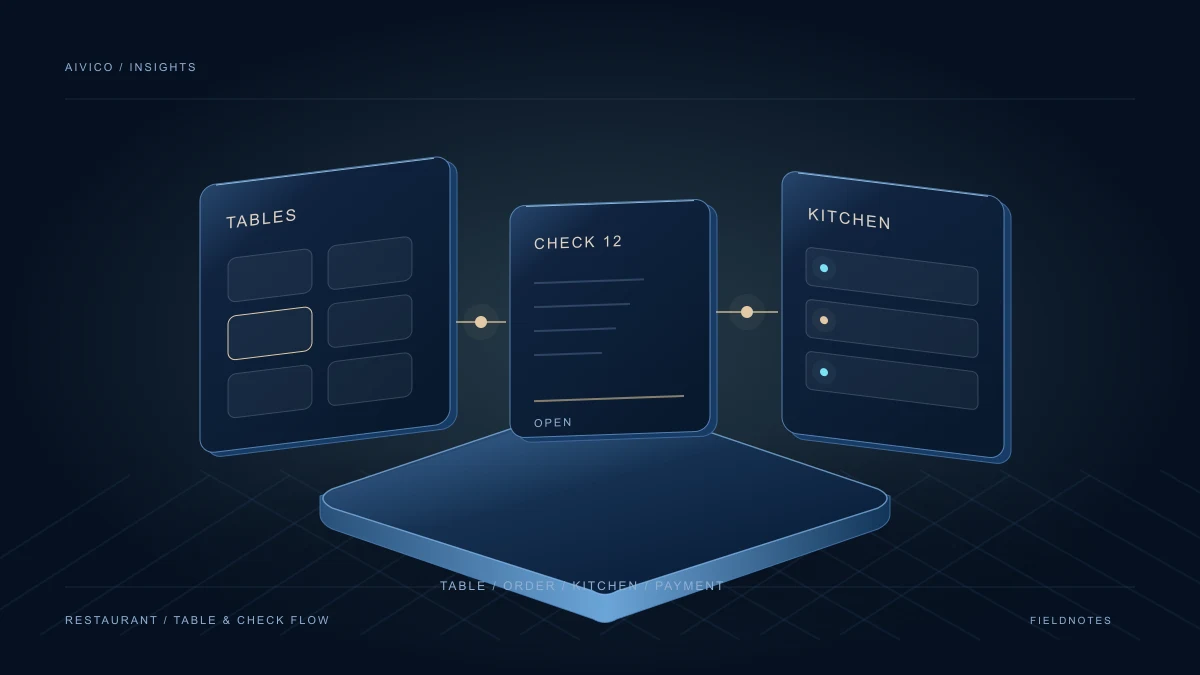
The value of check software shows during the rush. Waiters should see the floor plan on one screen, find an open check in a few taps and enter options and notes quickly. Moving tables, merging tables and adding orders to the same table at different times should work smoothly.
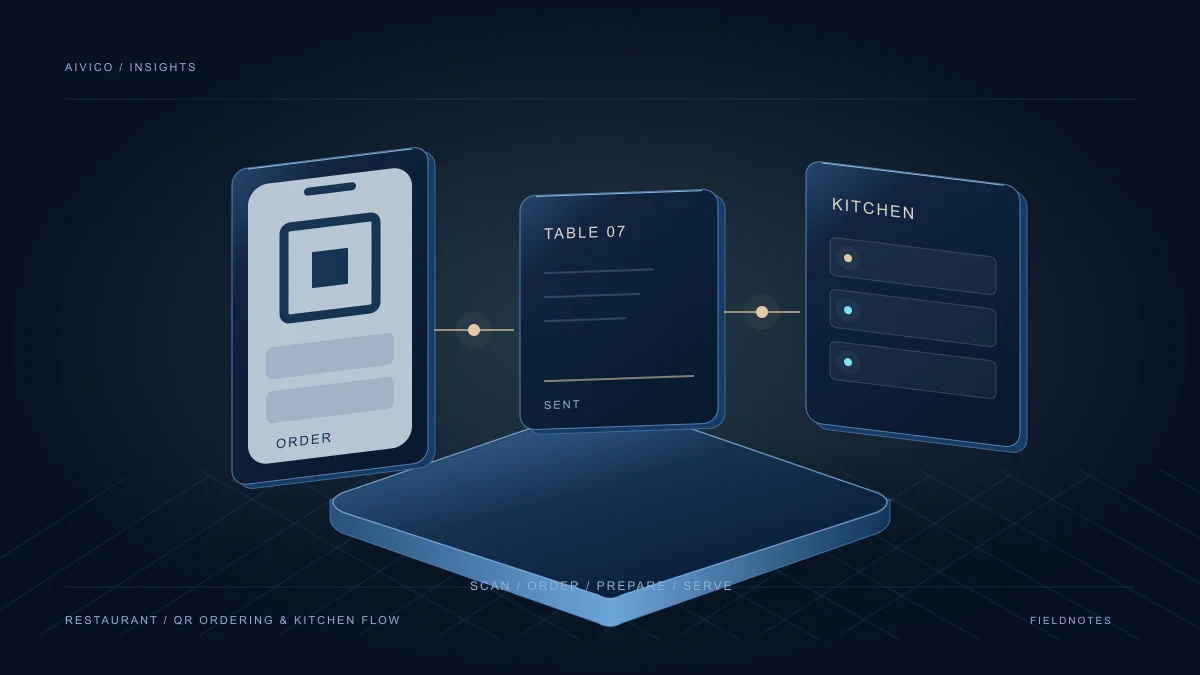
Check whether QR menu orders land on the same check as waiter orders. If the kitchen and the waiter don’t see the same information when a guest orders by QR, you are running two systems. In a demo, simulate a real lunch rush: a four-person table ordering at different times, one void and one extra-ingredient request.
Kitchen routing and preparation tracking
An order should reach the right station the moment it is entered: drinks to the bar, hot dishes to the hot line, desserts to pastry. Routing can be done with ticket printers or a kitchen display. A kitchen display makes waiting time and preparation status visible, which helps busy kitchens spot delays.
Check that order notes—allergens, doneness, items to remove—reach the kitchen intact. Notifying the service team, or the customer for takeaway, when an order is ready reduces the number of plates waiting at the pass.
Payment, split bills, comps and voids
The most common needs when closing a check are splitting the bill per person or per item, taking split payment in cash and card, applying a discount or comp, and leaving a balance open. These actions should be quick—and traceable.
Voids, refunds, comps and discounts are among the least visible sources of margin loss. Check software should record who performed them, when and why, and be able to require permission or manager approval for certain actions. The end-of-day report should show their totals as separate lines.
- Split bills: per person, per item and by amount?
- Split payment: cash, card and other methods on the same check?
- Comps and discounts: reason codes and permission control?
- Voids: is voiding an order already sent to the kitchen separated from one that wasn’t?
- End of day: are void, comp and discount totals reported separately?
Inventory and cost links: the hidden value of a check
If every item sold deducts its recipe from stock, check software also produces usage data. That link lets you compare theoretical usage with the stocktake at period end, get low-stock alerts and see margin per item. Check software without an inventory link only gives you a revenue report.
Linking options to recipes matters here too. If choosing extra cheese or a large portion doesn’t deduct additional stock, reported usage stays below reality. In a demo, sell an item with options and check the stock movement.
A short checklist for choosing
When evaluating check software, trying your own daily workflow on the system matters more than the feature list. Run the steps below with your own menu during a demo.
In the Ordwell family, OrdwellOS manages the floor plan and open checks together with QR orders and kitchen flow for waiter- and table-service businesses, while OrdwellGO offers a digital guest experience focused on QR ordering and online payment. We can clarify which product fits your service model, and how your fiscal register, e-document or payment integration needs would be met, during a demo.
- Open, move and merge tables on the floor plan.
- Enter waiter and QR orders on the same table and see how they appear in the kitchen.
- Close a table with a split bill and split payment.
- Apply a comp, void and discount and check how they appear in the end-of-day report.
- Sell an item with options and verify the stock deduction.
- Ask how fiscal register, e-Archive and payment integrations work in your scenario.