What should restaurant management software solve?
Restaurant management software should connect the operation from customer ordering and preparation through payment, inventory consumption and cost records. A tool that only provides a digital menu or checks covers only a small part of the management requirement.
The right system improves service speed while giving managers stronger visibility into sales, tables, products, employees, inventory and profitability. Selection should therefore begin with daily bottlenecks rather than the length of a feature list.
1. Test ordering and payment together
QR-menu orders, waiter orders, takeaway and cashier-created orders should use a consistent record structure. Product options, notes, cancellations, refunds, table changes and payment status need to be tested during the demo.
If payment or POS integrations are included, failed payments, retries and refunds should also be demonstrated. Operations and reports become inconsistent when the financial record is disconnected from order status.
2. Review kitchen and service coordination
Orders need to reach the correct preparation station, progress through clear statuses and become visible to the service team when ready. During peak periods, the system should make priorities easy to understand.
Role- and station-based screens reduce unnecessary information. Kitchen, bar, cashier and management teams view the same order with different needs, and the system should support that distinction.
3. Evaluate inventory, warehouses and recipes
Inventory should show more than the current quantity. Purchases, counts, waste, transfers, manual usage and sale-based consumption need to be tracked with their sources.
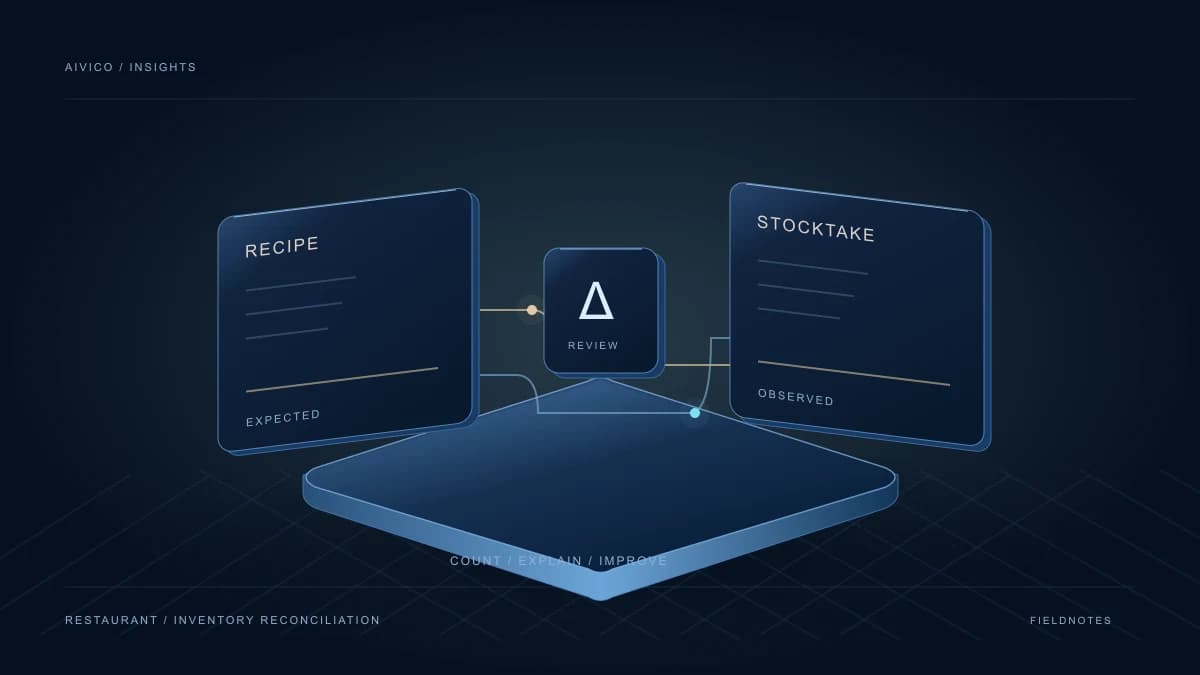
Product recipes should support weights and unit conversions, while sizes, extras or ingredient choices should add their own cost. Without this structure, the gap between theoretical food cost and actual consumption cannot be measured.
4. Check whether reports lead to action
Daily revenue and order count are basic indicators, but they are not enough. Product contribution, food cost, best sellers, low-margin items, hourly demand, cancellations and refunds help managers make better decisions.
Reports should be generated from current sales and cost data. Reports that depend on manual file transfers quickly become outdated and can produce conflicting figures across teams.
5. Authorization, security and data ownership
Cashiers, service staff, kitchen teams, inventory managers and administrators should not have the same permissions. Price changes, cancellations, inventory corrections and report access should be role-based, and critical actions should have an audit history.
Data export, backup policy, payment security and access to information after the service ends should be clarified before signing a contract.
6. Compare onboarding and support
A strong product can still fail with poor setup. Responsibilities for configuring menus, tables, users, recipes, warehouses and opening inventory need to be clear.
Support hours, critical-incident response, training scope and how new features affect the package are all parts of total cost of ownership.
How does Ordwell approach restaurant operations?
Ordwell connects QR menus and table ordering with payments, kitchen, service, inventory, warehouses, recipes, procurement and profitability in one data structure. The goal is to make operations traceable from order to cost instead of collecting reports from disconnected tools.
Using your own table, product, option, recipe and reporting scenarios during a demo provides a much clearer assessment than reviewing a generic feature list.