Decide which actions belong offline
An offline-first product keeps all, or a defined subset, of its essential functions available without a continuous internet connection. It does not promise to approve every action offline. Android’s architecture guidance distinguishes offline reads from offline writes; the latter need their own design decisions.
Consider a field visit: a worker needs to see the assignment, add notes and attach a photograph. A reservation based on the latest central inventory may still require server approval. Classify each action as available to read offline, available to save as a draft, or dependent on online approval. This gives the team a more useful scope than a single checkbox labelled ‘offline support’.
Separate local state from server responsibility
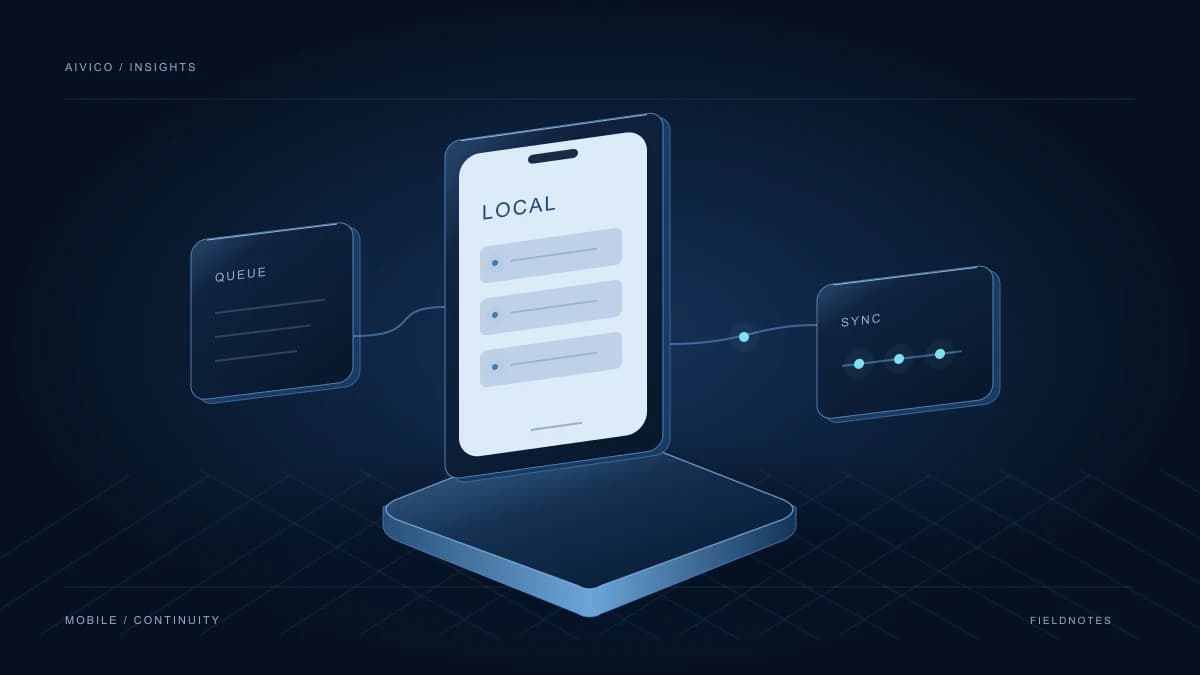
A local data layer can give the interface one consistent source to read while connectivity changes. Network updates are applied to that layer. The interface should still make relevant freshness limits understandable.
In the field-visit example, assignment details, a new note and a large photograph have different lifecycles. Decide what must be downloaded in advance, how long each item is retained and when it can be cleared. A last-updated label can help with time-sensitive information. Showing the same warning on every screen, however, is unlikely to help someone decide what to do next.
Make saved and submitted visibly different
A person should not need to fill out the same visit form again after losing connectivity. A useful product model separates saved on this device, waiting to send and accepted by the server. A record rejected by a business rule needs an explicit state too.
One possible queue design tracks the operation identifier, the record version, the attempts and the result. Treat this as a contract between the interface and the backend. Label the state that actually exists instead of showing completion as soon as someone taps Save. An understandable pending-items view also gives users and support staff a place to resolve a problem.
Design retries to avoid duplicate work
A request may reach the server even when its response never reaches the phone. Retrying therefore needs an explicit safety model. HTTP defines idempotent methods in terms of their intended server effect remaining the same across repeated requests. An ordinary POST does not automatically provide that property.
For a visit submission, the client and server could agree on an operation identifier that prevents the same work from being created twice. Define the identifier’s scope, retention period and behaviour when it is reused with different content. This is a design choice to validate for the workflow, rather than a universal implementation that can be copied into every API.
Resolve conflicts according to the meaning of the data
When two people change the same record, keeping the last write may not fit the business. A new observation could be retained as a separate note, while changing an assignment may require a single clear owner of that decision.
Ask which changes can coexist and which need approval. For an important edit, showing the two versions may be more understandable than silently discarding one of them. Work through representative records with the people responsible for the operation. Conflict handling affects the experience and the business rules, so it should not become an isolated backend decision.
Background scheduling is not an instant-delivery guarantee
Mobile systems schedule background work according to device and resource conditions. On Android, WorkManager supports persistent work, constraints and retry policies. That does not justify promising that a transfer will always run at an exact instant after connectivity returns.
When someone opens the app again, they should be able to understand the current state and retry appropriate actions. During a pilot, evaluate battery use, large attachments and the number of pending items together. A synchronization process needs to be manageable in daily use as well as technically functional.
Validate one complete workflow before broadening the scope
Start with a concrete test: open an assignment, disconnect, add a note, close and reopen the app, then reconnect. Follow with a repeated submission, a server rejection and a record changed by another person. Check both the screen state and the records created on the server.
Write acceptance questions in the language of the operation: can the worker tell what happened, find a pending item and avoid creating the same visit twice? Include account changes and the end of a user’s access in the design. The value of offline-first is not hiding a bad connection; it is making the product’s behaviour understandable and predictable when connectivity is unreliable.